Registration / login / start
A short manual on how to create an account and start using KiteContent
Registration
Navigate to https://kitecontent.com/auth/register , enter your email, user name and password.
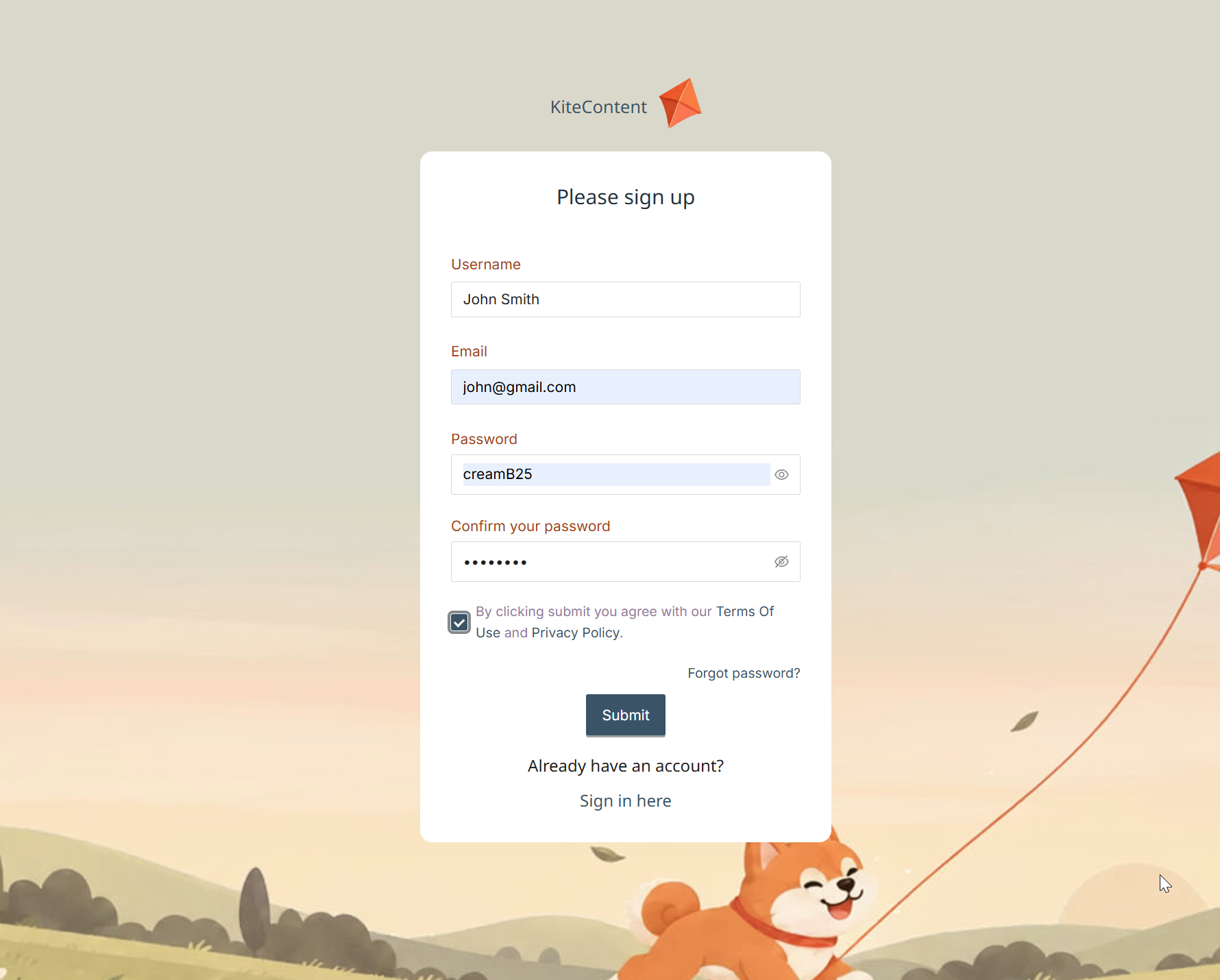
To register, you also need to get familiar with Terms of use and Privacy policy.
Click the Submit button.
You will see the information window:
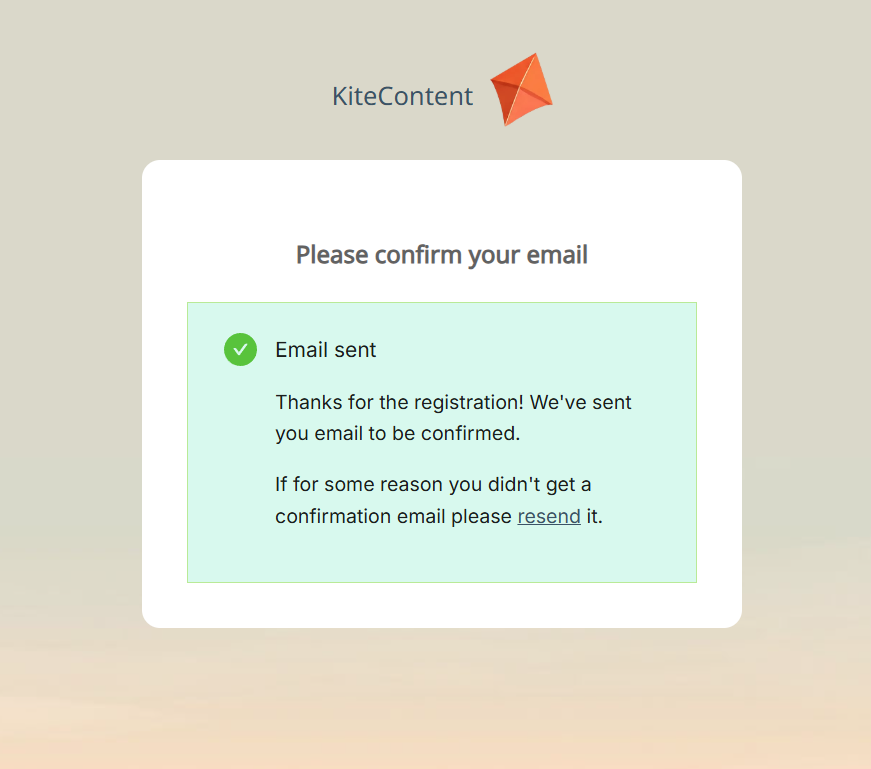
Check your inbox, find the email from KiteContent, and open it:
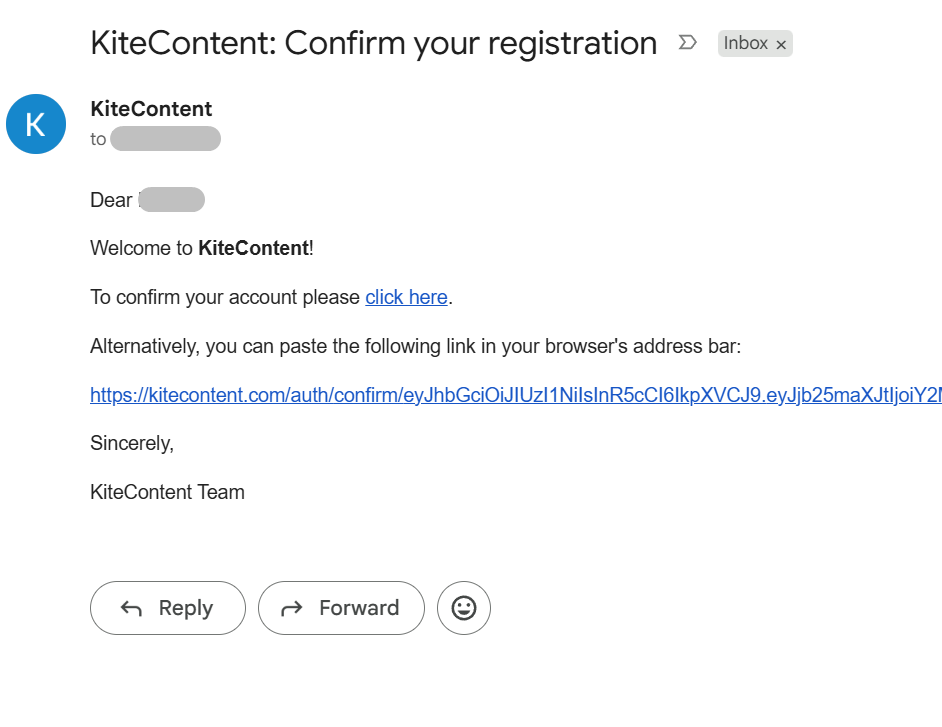
Click the link inside or copy it and paste into the address bar of your browser.
Please note: the link is valid only for 10 minutes. If you exceed this time and still click the link, you will see the following message:
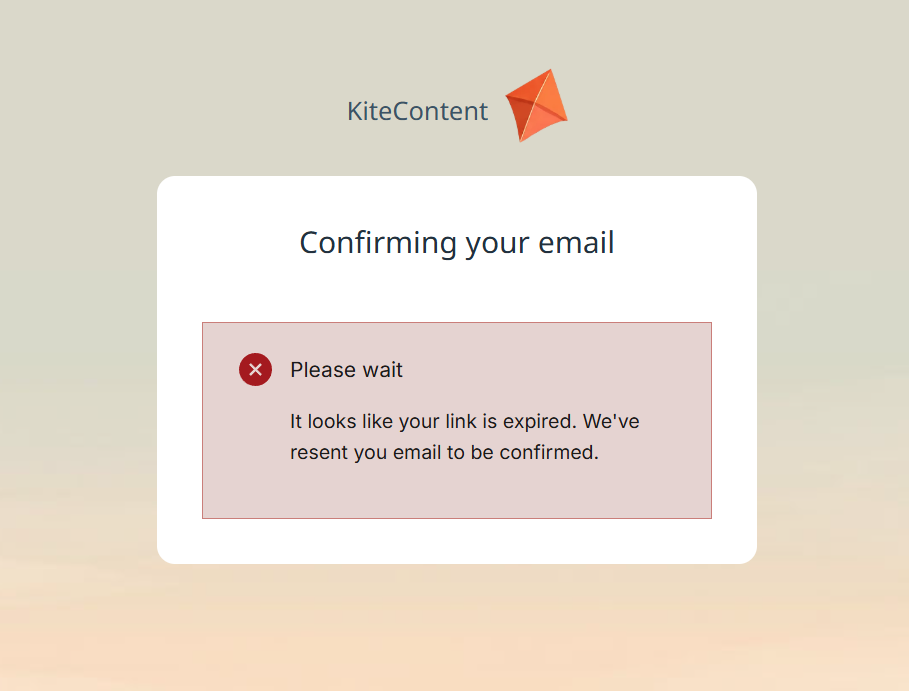
Check your inbox again, and then click the valid link, you will see the message:
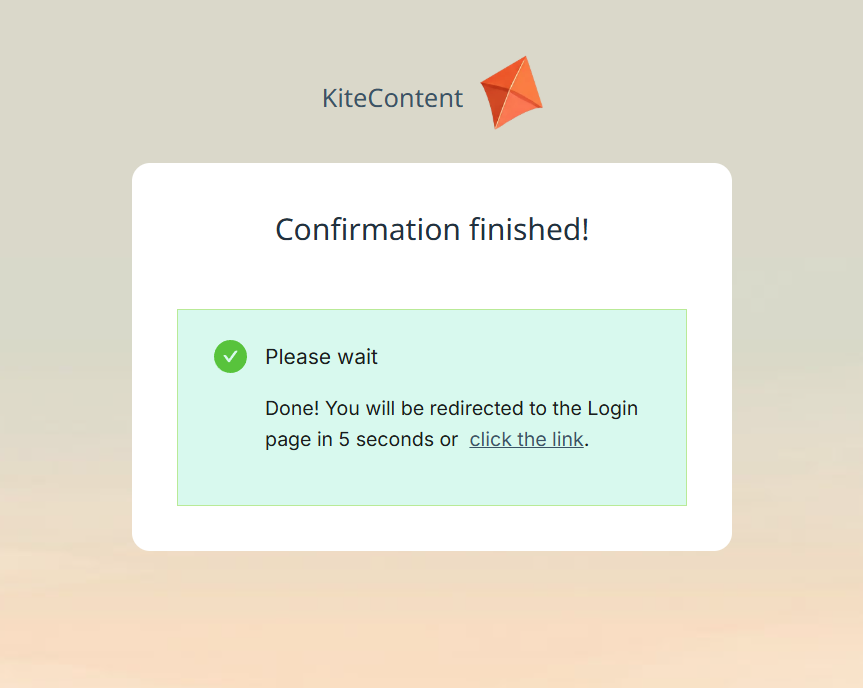
As this message prompts, you are redirected to the login page:
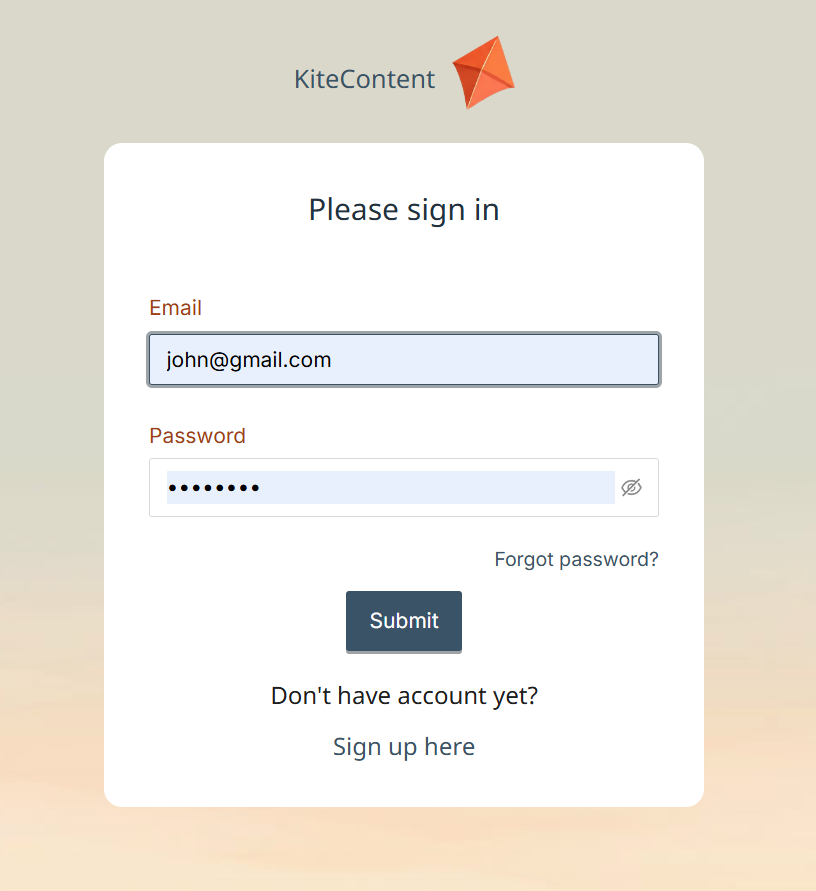
After entering your email and password and clicking the Submit button, you will be redirected to your dashboard, and the default page is the list of projects, which is empty now:
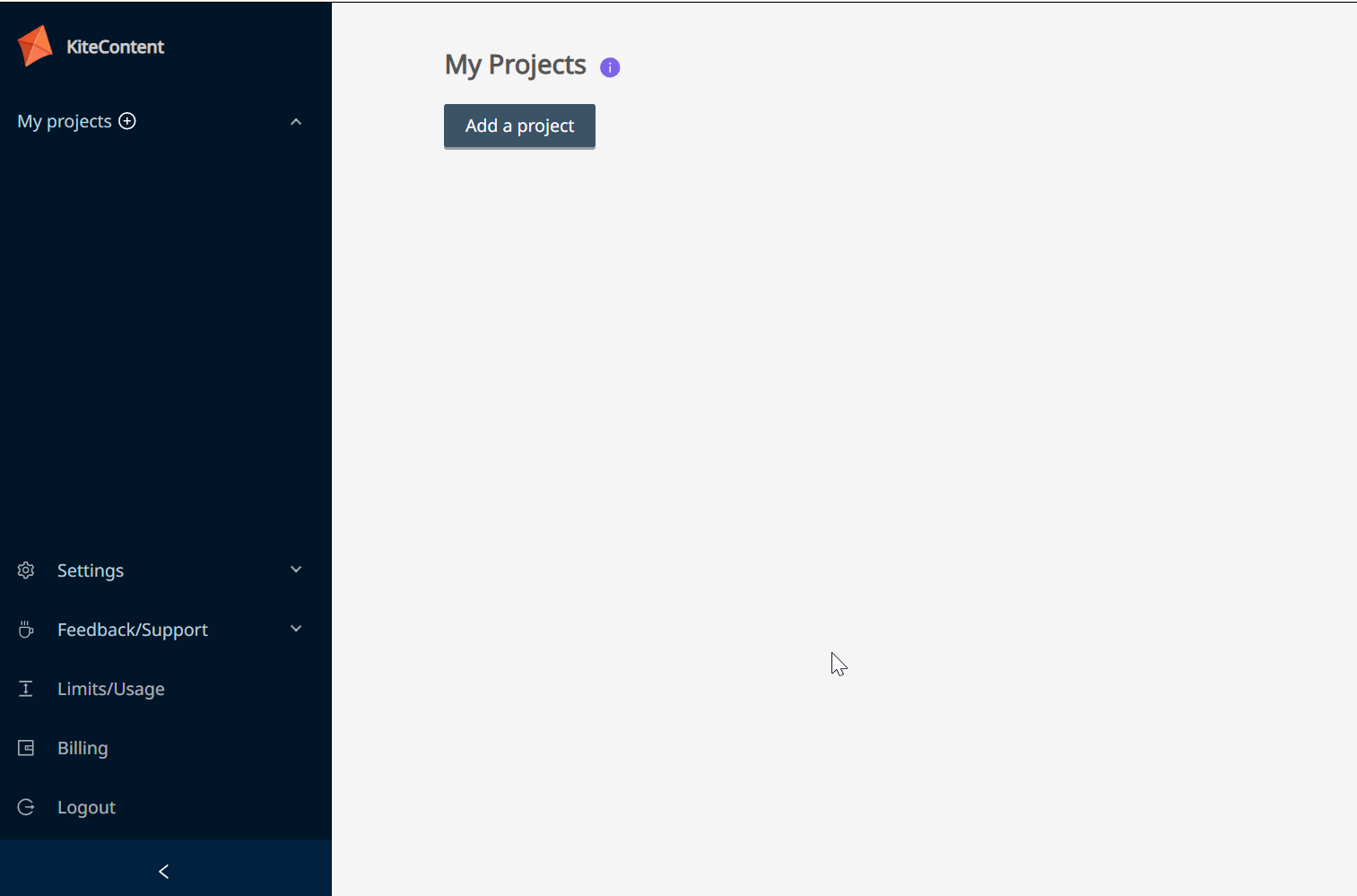
The menu on the left has many useful links, and we will review them in the other parts of this manual, and right now let's create our first content project.
All you need to do is click the Add the Project button, and you will see this small prompt:
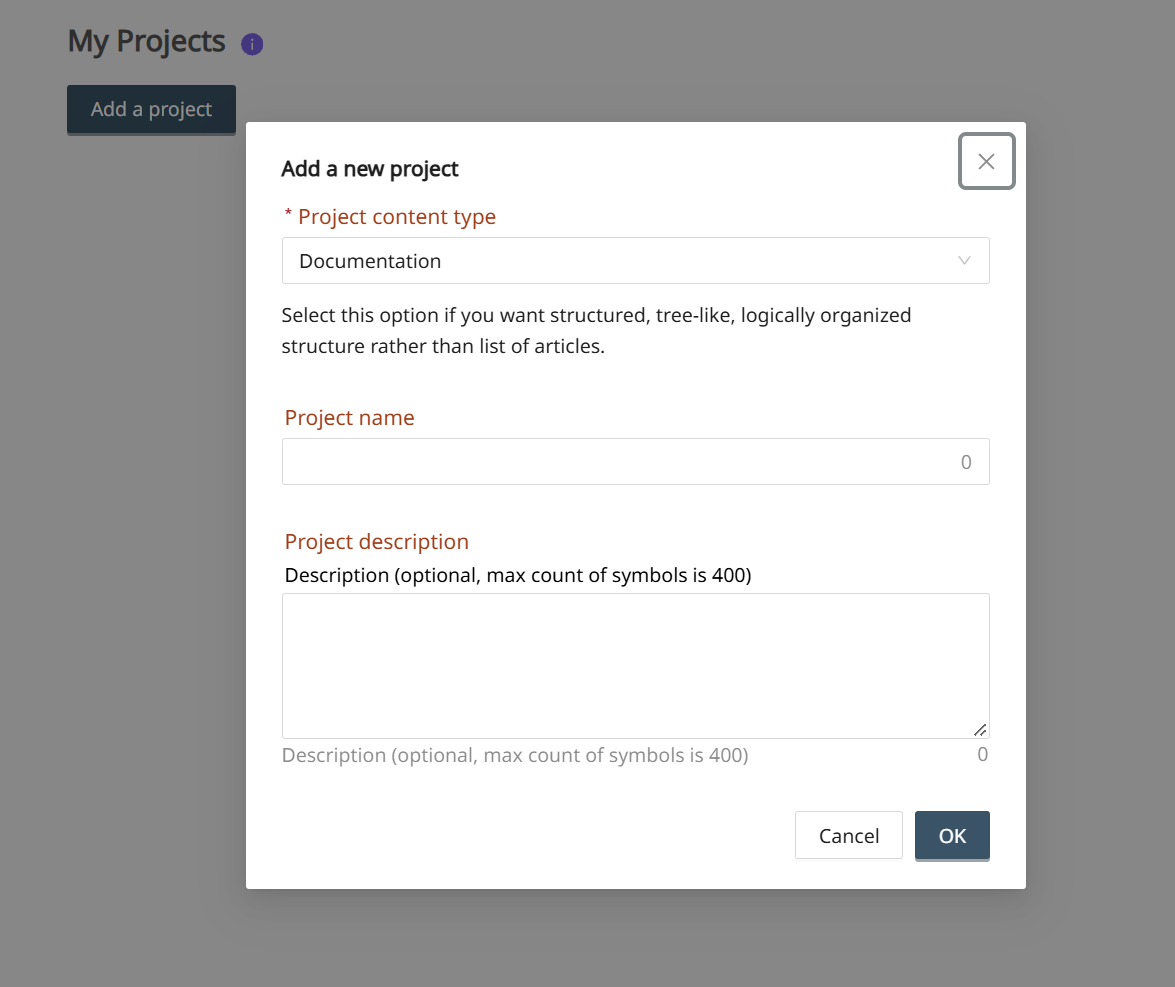
At the moment (in November 2026) we have only one type of content project, which is the documentation; it's selected by default. So, enter your project name and description (optional) and click the OK button:
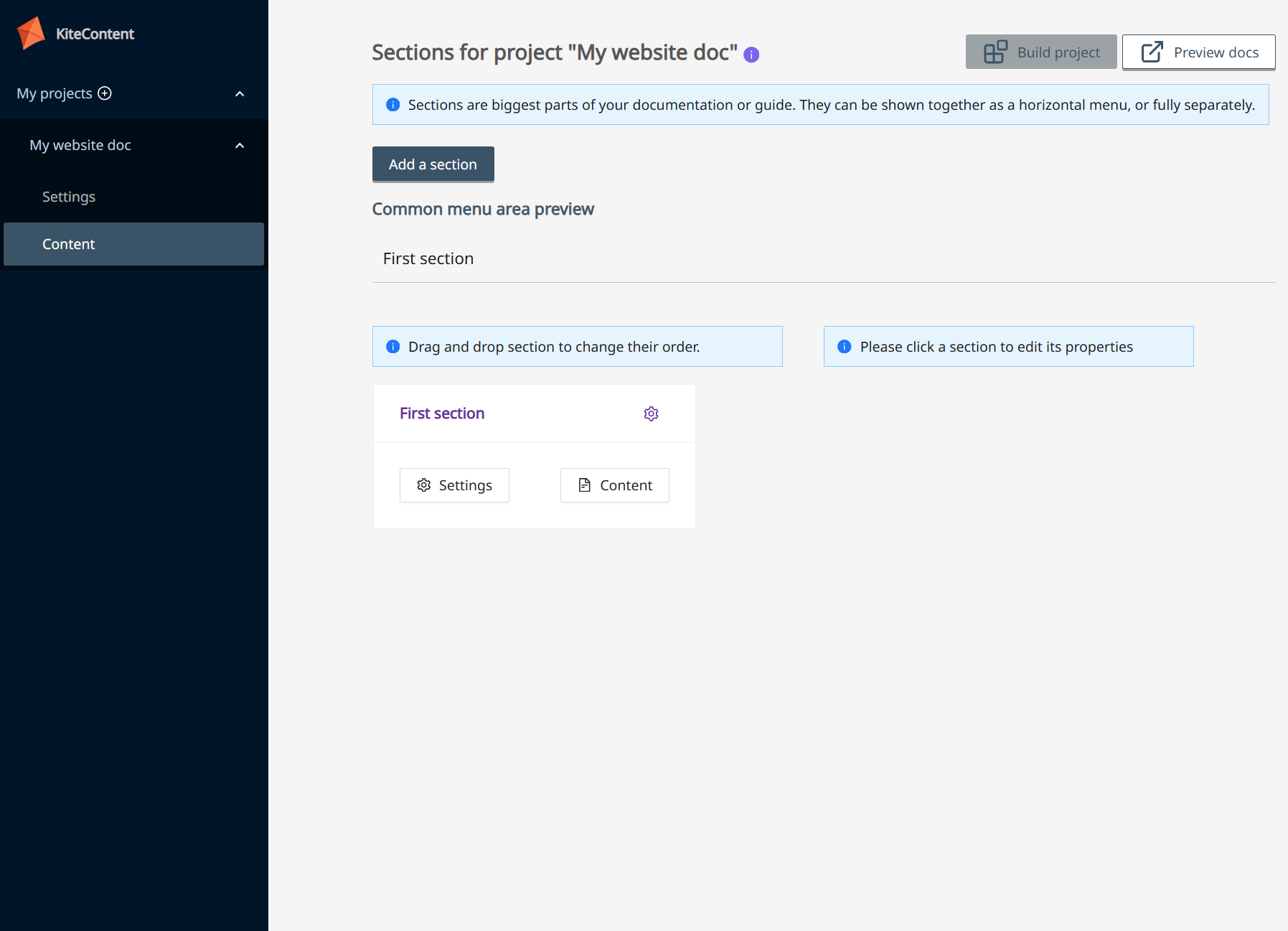
Your new project already has one section, so we can move on to the next topic, which is Projects.